
TUTORIAL
Build Smarter. Sequence Better.
Clear, practical tutorials for xLights, controllers, networking, and the tools behind Lights in the Swamp. No fluff — just the steps that matter.
START HERE
Featured Tutorials
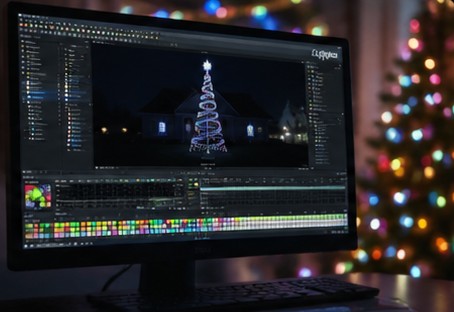
XLIGHTS
Build Your First xLights Sequence
Learn the basic workflow for creating a sequence in xLights, adding effects, working with timing, and getting your first show ready to play.
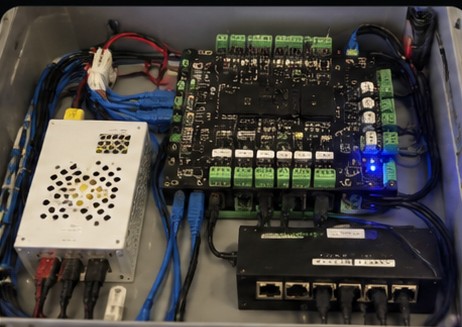
CONTROLLERS
Set Up a Pixel Controller
Learn the basics of configuring a pixel controller, setting up outputs, assigning pixels, and getting it ready to receive show data.
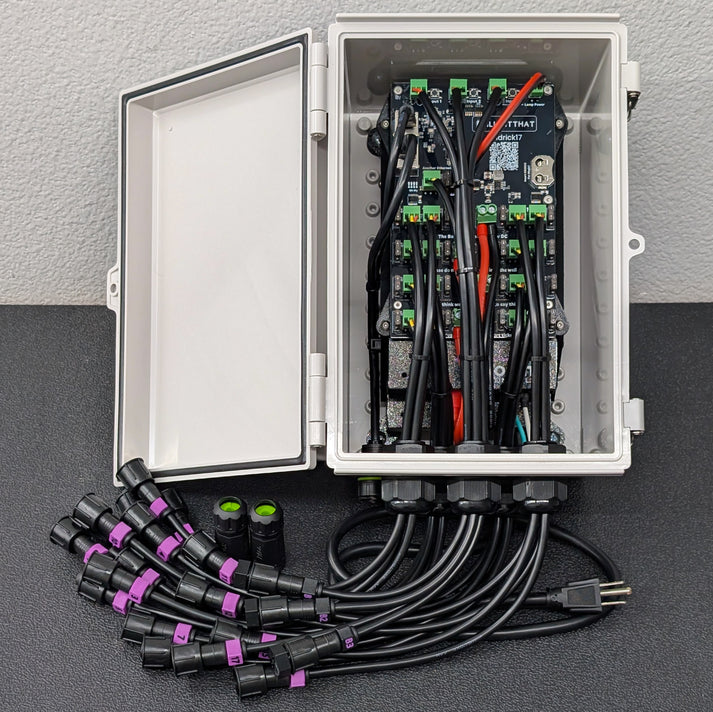
NETWORKING
Set Up Your Show Network
Learn how to connect your show computer, Falcon Player, pixel controllers, and remote devices so everything communicates reliably across your display network.
Browse by Topic
Learn by Category
xLights
Sequencing basics, effects, timing, models, and tips for building your show in xLights.
Controllers & Wiring
Controller setup, pixel outputs, power, wiring, and practical tips for connecting your display hardware.
Networking & FPP
Show networking, Falcon Player setup, device connections, and tips for keeping your display network reliable.
Props & Models
Building display props, setting up models in xLights, mapping pixels, and organizing your layout for sequencing.
Power & Troubleshooting
Power supplies, power injection, fusing, voltage issues, and practical steps for tracking down problems in your display.
Show Setup & Operation
Scheduling your show, managing playlists, starting and stopping the display, and keeping everything running smoothly each night.
POPULAR GUIDES
Step-by-Step Tutorials
Build Your First xLights Sequence
Follow the complete process from creating a new sequence and adding effects to timing your music and preparing the sequence for your show.
Set Up a Falcon Pixel Controller
Configure your Falcon controller, set up pixel outputs, assign channels, and get it communicating with the rest of your show network.
Set Up Your Show Network
Connect your show computer, Falcon Player, controllers, and other network devices so they can communicate reliably throughout your display.